
During the October CiviCRM sprint in Lunteren, Netherlands, I made a small extension that fixes one of the minor annoyances I’ve had for years and I think others have too — dashboard reports crammed side by side so you can’t see all the columns without using an inner horizontal scrollbar, at the bottom the report. Not great.
The Dashboard Tweaks extension simply makes the dashboard full width. It’s something I’d usually patch with a bit of CMS admin CSS, but now it’s an optional setting. Note, it is not a user preference setting since that is more involved; it applies for all users.
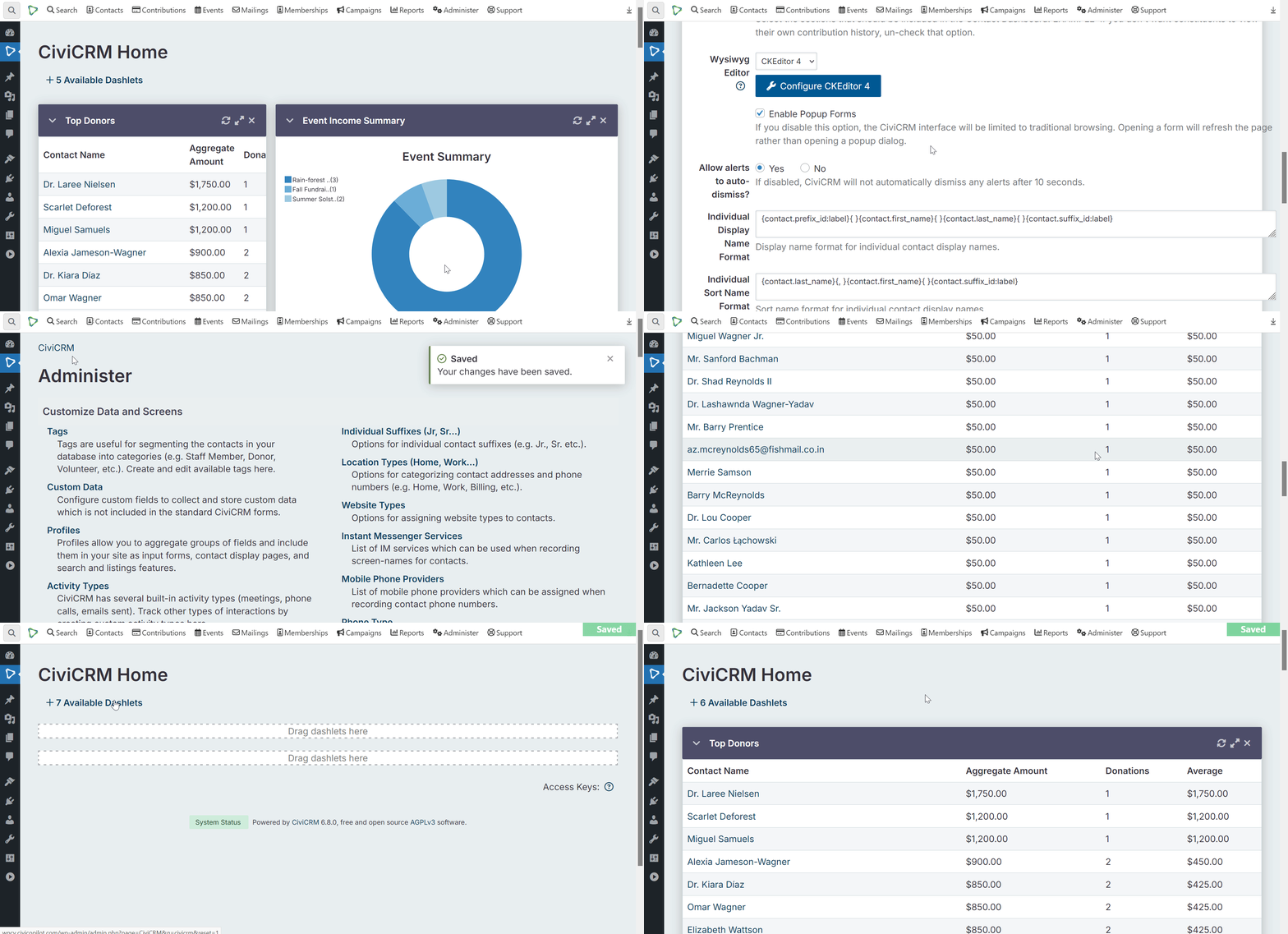
How to use it:
cd to/your/ext/dir
git clone https://github.com/andyburnsco/dashboardtweaks.git
cv ext:enable dashboardtweaks
Go to Administer > System Settings > Display Preferences and turn on 1-column dashboard layout setting near the bottom.
Hopefully, someone makes this extension irrelevant soon by taking the small bit of code and puts it into another extension that adjusts the UI or perhaps into core. But for now, there you go.